

Installation
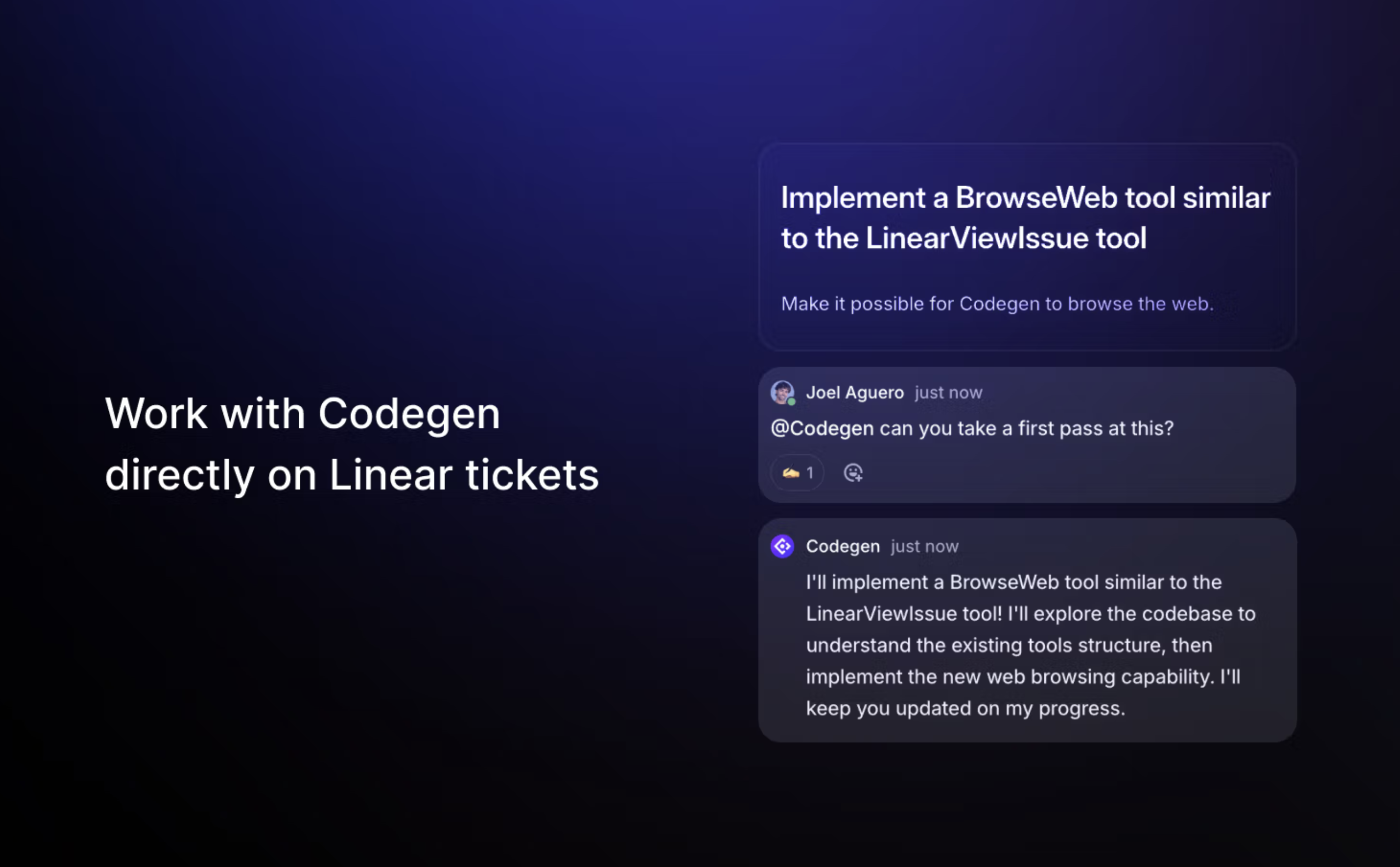
Connect your Linear workspace to Codegen to enable agent interactions.Connect Linear Workspace
Authorize Codegen to access your Linear workspace via the API settings.
API access allows agents to interact with issues and projects according
to your permissions in Linear.
Capabilities
The Linear integration provides read and write access, enabling agents to manage tasks effectively:- Read Access: Fetch issue details, read comments, view project status, list team members.
- Write Access: Update issue status (e.g., to “In Progress”, “Done”), add comments, link GitHub PRs to issues, create new issues, assign tasks.
- Multi Agent Systems: Create sub-issues and assign child agents to break down complex tasks into manageable pieces. Learn more.
How Agents Use Linear
Agents use the Linear integration to streamline project management:- Track Work: Automatically update the status of issues they are working on.
- Link Code: Connect implemented changes (GitHub PRs) directly to the relevant Linear issue.
- Provide Updates: Post comments on issues with progress reports, results, or questions.
- Create Tasks: Generate new issues for follow-up work, bugs discovered, or sub-tasks.